How to Design Branded Merch Without Hiring a Designer
Most merch requests aren't design projects — they're application projects. You already have a logo; the job is placing it cleanly on a product. Here's how to do that well without an agency.
Get your logo file right first
Use a vector file (.ai, .eps, .svg) if you have one — it scales without quality loss. A low-resolution PNG will look blurry once printed. Confirm your brand colors in HEX or Pantone rather than eyeballing them from a screen.
Let AI tools do the placement work
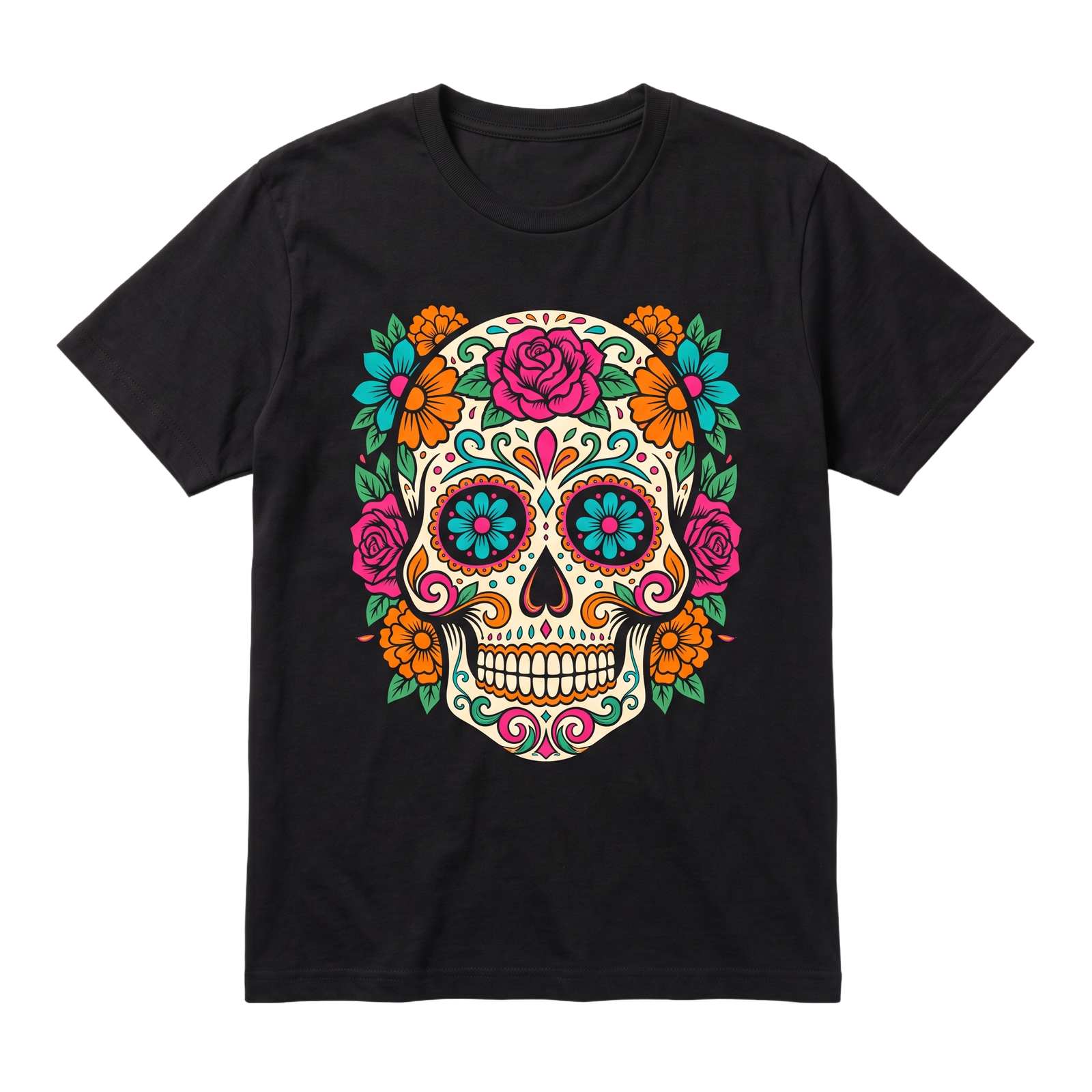
AI-assisted design platforms let you upload a logo and preview it placed on real garment types — color, material, and position — before committing to production. That removes the guesswork that used to require a designer's eye.
A weak source file is the biggest cause of disappointing merch — no tool can fix a logo that's low-resolution to begin with.
Four rules that keep it professional
| Rule | Why it matters |
|---|---|
| One focal point | A single, well-placed logo beats multiple competing elements |
| Leave margin | Tight-looking mockups often print cramped |
| Limit colors | Two-color designs are cheaper and print more reliably |
| Match placement to product | Chest-left works for polos; centered works for tees and hoodies |
Whatever tool you use, request a sample or digital proof before a full production run — it's the cheapest way to catch a color or sizing issue before it shows up on 50 units.
Powered by Sparkit — AI-assisted design and production for custom merch.